Visuals · 6 min read
AI image prompts that hold up as Pinterest pins
Learn how to write AI image prompts for Pinterest-ready pins with composition, aspect ratio, lighting, and style structure that attracts clicks and supports SEO.
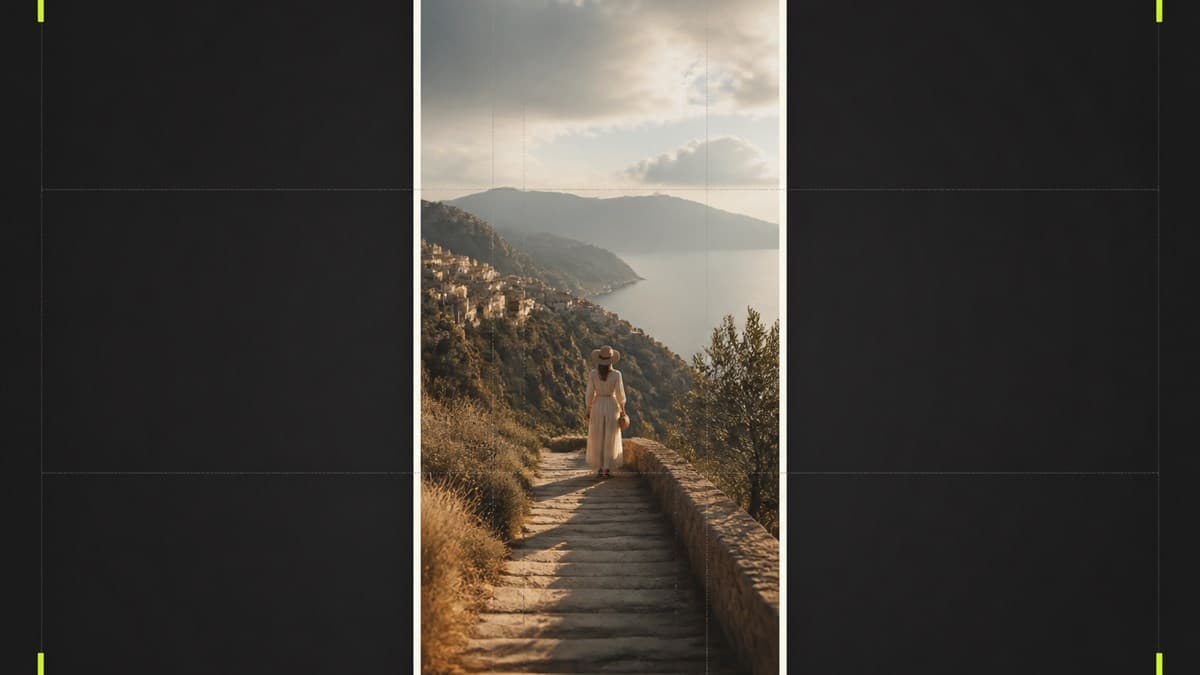
Pinterest traffic is visual first. People do not arrive hunting for your prompt engineering theory. They arrive because an image looks worth recreating or saving.
If your AI image prompts ignore composition, aspect, and clarity, the pin fails before the prompt ever gets copied. This guide shows how to write AI image prompts that hold up as Pinterest pins and still resolve cleanly on a Promptly-style gallery page.
What "Pinterest-ready" actually means
A pin-ready AI result usually has:
- A clear subject that reads at thumbnail size
- Vertical framing that fits mobile feeds
- Strong contrast against busy boards
- A mood people want to recreate
- Enough specificity that a prompt can reproduce the look
It is not about stuffing every aesthetic keyword into one line. It is about directing the model like an art director with a short shot list.
The prompt structure that travels well
Use five layers in order.
1. Subject
Who or what is the hero. Be concrete.
Weak: a beautiful scene Strong: a cream notebook on an ink black desk with soft side light
2. Setting and context
Where does the subject live. Keep it supporting, not competing.
3. Style and medium
Photoreal editorial, anime cinematic, ink line illustration, product still. Pick one primary style.
4. Lighting and camera language
Side light, golden hour, shallow depth of field, eye-level portrait. Lighting is often the difference between flat and pin-worthy.
5. Composition and format
Vertical 2:3, centered subject, negative space for optional brand mark, no crowded collage.
A compact pattern: [subject], [setting], [style], [lighting], [composition], vertical 2:3
Example prompts you can adapt
Lifestyle creator portrait
Medium close-up of a friendly creator in a cream knit sweater, soft window light, lightly blurred home office background, clean lifestyle photography, shallow depth of field, vertical 2:3
Aspirational landscape pin
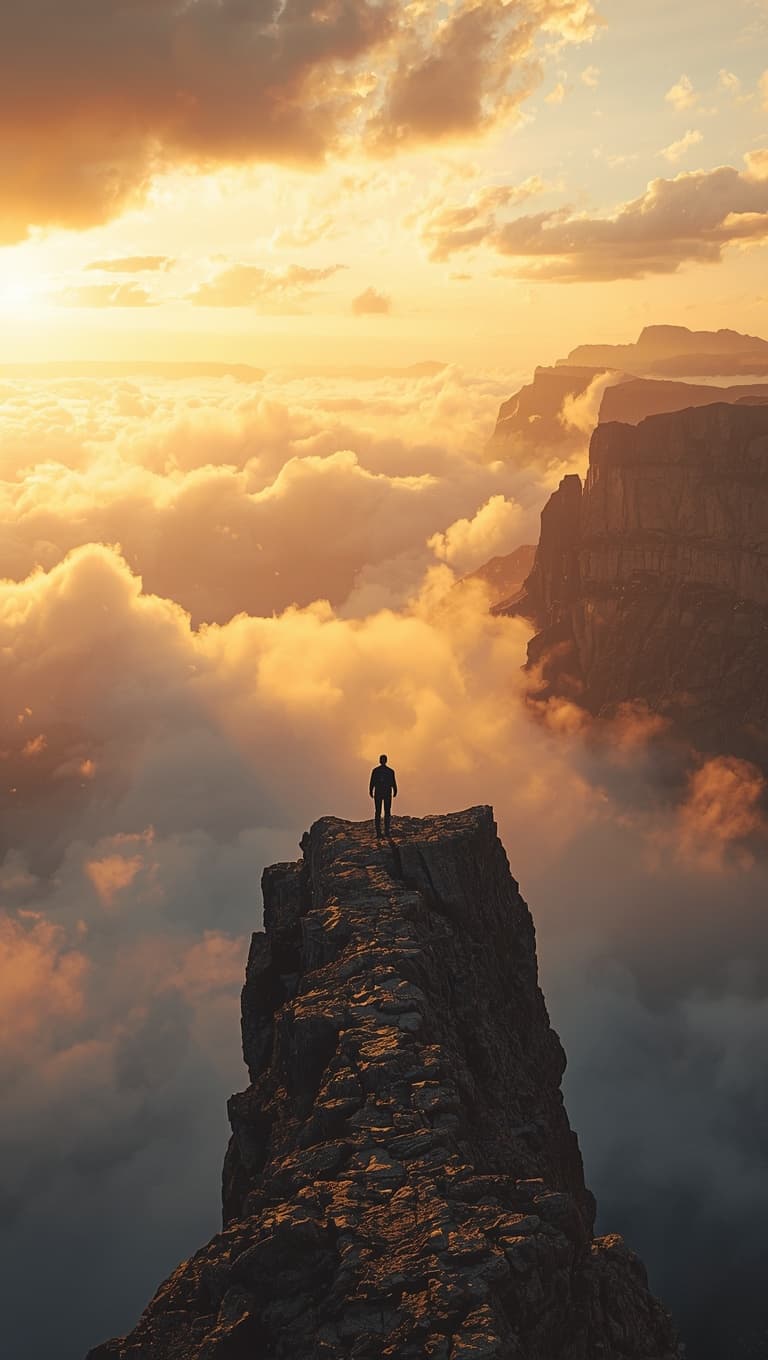
Lone silhouette on a jagged mountain ridge above a sea of clouds, golden sunrise light, distant hazy peaks, cinematic landscape photo, dramatic scale, vertical composition
Brand-friendly editorial still
Minimal fashion illustration of a couple walking a small dog on a city street, black cream palette with one bright accent color, long dramatic shadows, clean graphic style, vertical 2:3
These are free starting points. They are not a full visual system. Adapt them. Do not treat them as a complete paid pack.
Composition rules that protect click-through
One subject, one idea
Pins with five competing focal points die in the grid. Decide the hero before you write adjectives.
Edge-aware framing
Keep key details away from extreme edges so Pinterest crops do not amputate faces or products.
Contrast over trend color spam
Dark fields with cream subjects, or bright subjects on quiet grounds, scan faster than muddy midtones.
Avoid fake clutter overlays
Floating stickers and dense text blocks fight Promptly's brand rules and often look cheap on the board.
Bridging Pinterest to Promptly pages
The Promptly funnel is deliberate:
- Pin shows the finished result
- Click lands on a gallery detail page
- Visitor views the image and copies the prompt
- Related images deepen the session
- Soft system links appear when relevant
That is why gallery detail SEO matters. Titles, alt text, and prompts should describe the result people searched or pinned for. Browse live examples in the gallery.
Tool notes without bait and switch
Only claim Midjourney, ChatGPT image tools, or others when the page truly teaches that tool. For mixed galleries, say AI image prompt and list practical tips that transfer.
If you do use tool-specific switches, put them at the end after the human-readable shot list. The shot list is the portable skill.
Mistakes that waste pin potential
Prompt stuffing
Twenty style names do not equal clarity. The model gets confused. So does the viewer.
Square habits on a vertical network
If your default generations are square, ask for vertical composition up front.
Hiding the how
A beautiful pin that never resolves to a useful prompt creates bounce. Give enough free how to delight, reserve full systems for products.
Inconsistent brand world
If your pins look like five different companies, trust drops. Pair this article with AI branding prompts that keep your visual identity consistent.
A weekly pin workflow
- Pick one job theme (product desk, portrait, landscape aspiration).
- Write three prompt variants with the five-layer structure.
- Generate, then pick the strongest vertical crop.
- Publish to a gallery detail URL with alt text and a copyable prompt.
- Pin the result with a short, honest description.
- Review which pins earn clicks, then tighten subject language.
This loop turns random image experiments into a content engine for AdSense depth and optional system interest.
How systems fit after inspiration
Inspiration wins the click. Systems win consistency across dozens of assets. If you need brand-aligned visual direction beyond one-off prompts, explore the Brand System. If you are still deciding how to organize prompts, read Prompt library vs prompt system: what actually ships.
Semantic SEO for visual pages
Gallery and blog content around AI image prompts should cover related entities without stuffing:
- Pinterest as a discovery channel
- Vertical composition and pin behavior
- Lighting and camera language
- Style consistency for brands
- Recreate-the-look intent
On a detail page, the H1 names the result. The prompt block answers how. Tips cover tool-agnostic adaptation. Related images extend session time.
That structure supports both search and social landing behavior.
Negative space and negative prompts
If your tool supports negative prompts, use them sparingly for concrete defects: extra fingers, heavy text overlays, watermark spam, muddy low contrast.
Do not negative-prompt every trend word. Over-negation can collapse style.
For brand work, negative lists can include off-palette colors or banned motifs from your visual kit.
Building a pin board strategy that matches Promptly
Suggested boards from a brand system mindset:
- AI Image Prompts
- Brand Visuals
- Copy and Hooks
- Promptly Systems
- Before and After Results
Pin to gallery detail URLs when possible, not only the homepage. The detail page is where prompt copy and related browsing happen.
Quality bar before you publish a pin
- Subject reads at phone thumbnail size
- Vertical crop feels intentional
- Prompt is useful enough to try
- Alt text describes subject and style
- Page loads fast on mobile
If any item fails, fix before scaling volume. Pinterest rewards consistent quality more than random bursts.
Lighting recipes that travel across tools
Soft window light for approachable creator portraits. Hard side light for dramatic editorial faces. Golden hour for aspirational landscapes. Even product light for clean desk mockups.
Write the lighting as a concrete phrase, not as vibes only. Models respond better to light direction and quality than to words like stunning or epic alone.
From pin click to prompt copy
Write your pin description to match the gallery promise:
See the result. Open the page. Copy the prompt. Adapt it.
Avoid bait that promises a full paid system for free. Curiosity should resolve honestly. That builds return traffic and protects product value.
Testing prompts like a creative director
Generate three variants that change only one variable:
- Variant A: lighting change
- Variant B: background change
- Variant C: camera distance change
Pick winners based on thumbnail clarity, not only full-size beauty. Pinterest is a thumbnail game first.
Closing
Write AI image prompts like shot lists. Subject. Setting. Style. Light. Vertical composition. That is how pins survive the feed and how gallery pages satisfy the curiosity that follows.
FAQ
- What aspect ratio works best for Pinterest AI images?
- Vertical crops around 2:3 are a strong default for pins. Ask for vertical composition in the prompt so the subject survives mobile cropping.
- Do I need Midjourney specifically for Pinterest prompts?
- No. Any capable AI image tool can work. Write clear subject, style, lighting, and composition. Adapt tool-specific switches only when you truly use that tool.
- Should I put lots of text on the AI image?
- Keep text overlays minimal. Pinterest rewards clear subjects. Brand marks can be small. Heavy typography often hurts the pin and the landing experience.
- How do Promptly gallery pages help Pinterest traffic?
- Gallery detail pages show the finished result and a copyable prompt. That satisfies curiosity, increases time on site, and supports AdSense while linking to related systems.